Every page for a project, side by side.
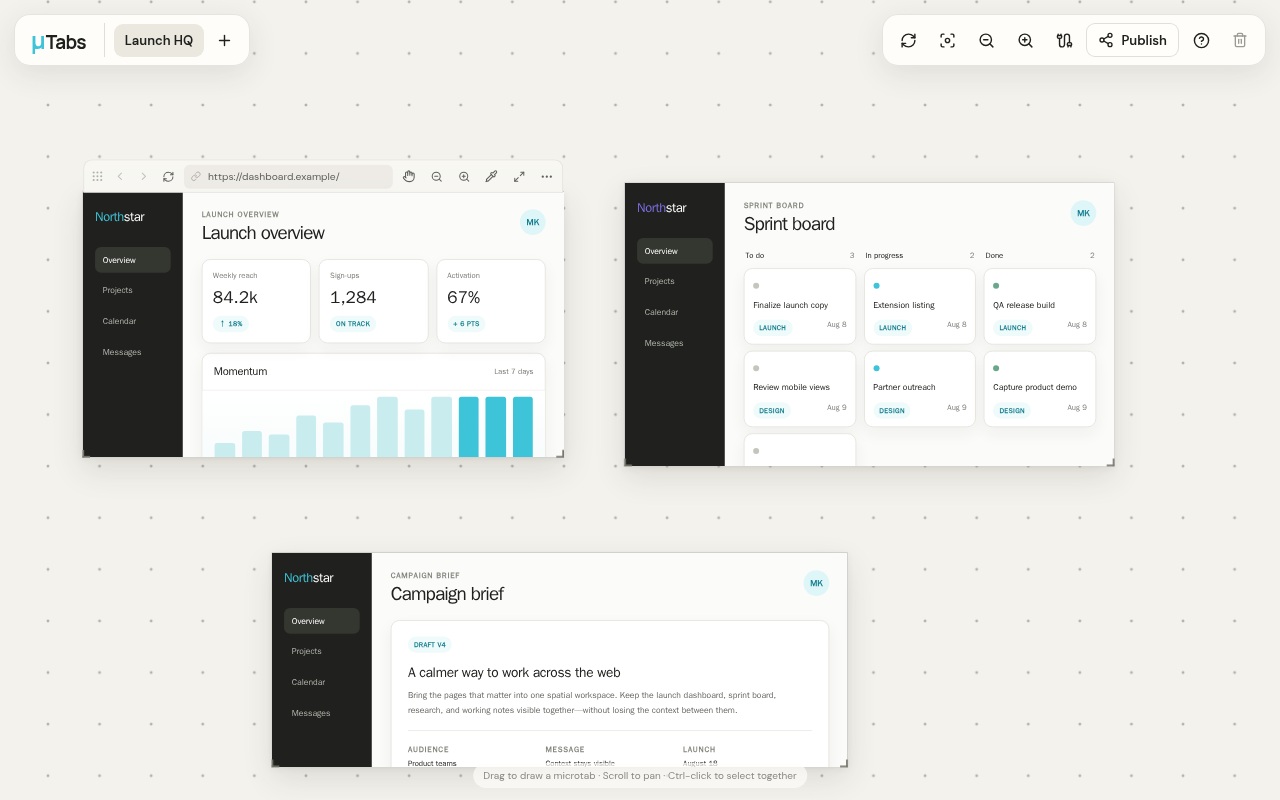
TabGlue arranges live webpages as movable, resizable tabs on an infinite canvas, so every page a project needs stays visible in one browser tab.
Chrome and Edge. The extension is what lets pages load inside the canvas — add it from the Chrome Web Store and you're set.
Live pages, not screenshots
Each tab is the real webpage. Scroll it, click it, stay signed in to it.
Spatial, not stacked
Drag anywhere on the canvas to create a tab at the size you want, then move, resize, group, pan, and zoom.
Local-first
Canvases are stored in your browser. Publishing a read-only link is optional and always your call.
Connected
Link controls across pages so one search box or button drives several of them at once.
Open a canvas and drag out your first tab.
Without the extension the editor still runs, but most sites refuse to load in a frame. Some sites restrict embedded use even with it, so every tab keeps reload and open-in-browser controls.
Open TabGlue